
Overview
This support article will describe how to install a fresh Moodle instance via Git on a Plesk Linux Server with a MariaDB Database.
Prerequisite
You have created a empty MySql/MariaDB database for your Moodle instance.
https://testing.conetix.com.au/support/plesk-obsidian-create-and-import-mysql-database/
Instructions
- Log into your Plesk Hosting and Click on Website & Domains tab.
- Next click on Git icon under the domain hosting you would like to setup Moodle Git Repository.

- Next > Add Repository

- Now enter the below info to the required fields.
Code Location:
Repository URL: https://github.com/moodle/moodle.git
(No Username/Password required)
Repository name: moodle.git
Deployment Settings:
Deployment mode: Manual
Server Path: Should already be set to your domain root folder where you want Moodle installed.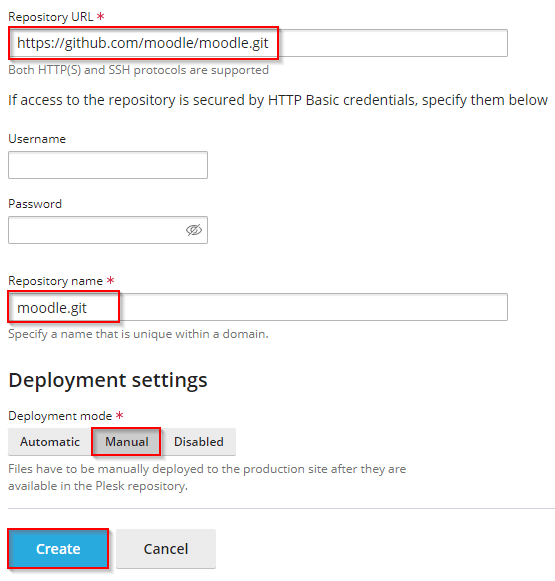
- Next click on Open the Git repository

- Select the Moodle Branch (Version)
Pull now – Pull changes from the remote repository
Deployment – Confirm Domain is correct to deploy Moodle
Deploy – Transfer files to the domain hosting
Deploy and completed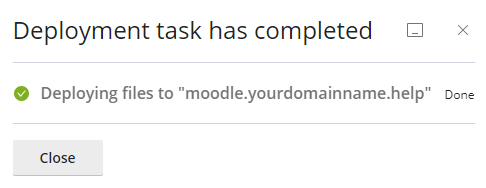
- Next open your domain in Internet Browser to continue with the Moodle installation and configuration
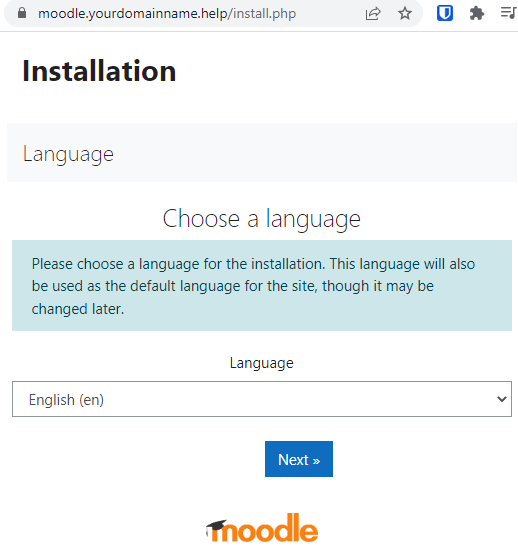
- Next confirm Web address, Moodle directory and Data directory are correct

- Now choose Database Driver type.
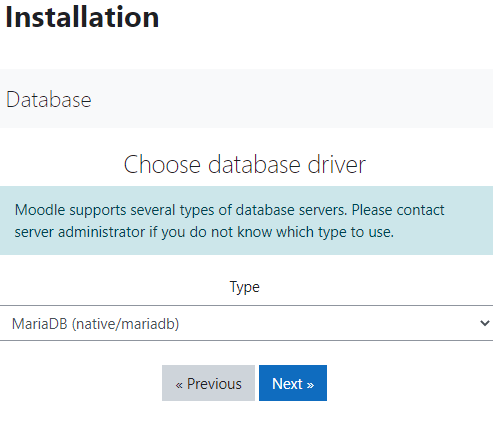
- Enter Database name, Database user, Database password of the MySql/MariaDB Database you created at the beginning.

- Continue after reading conditions.

- Scroll down to confirm Server Environments are met > Continue.

- Next is the actual installation is taking place and may take a few minutes to complete > Continue.
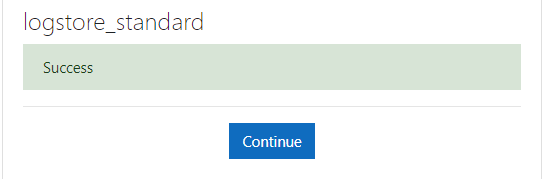
- Next page is where you set your Moodle Admin access details, location etc > Update profile
- Next configure New settings – Front page settings > Save Changes – Installation is now Complete