Overview
This support article will describe how to enable .NET Core logging in Plesk for more detailed errors.
Instructions
- Login into Plesk via the Conetix Control Panel.
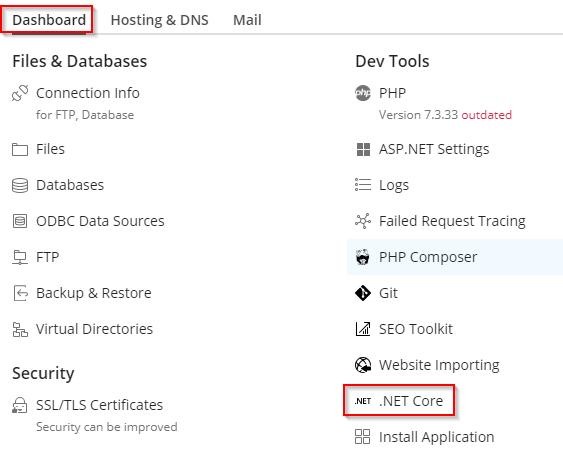
- Once logged into Plesk -> Click on Website & Domains in the lefthand nav -> Dashboard tab -> .NET Core
- Next under the Logs section, select the tick box Redirect stdout/stderr to a file.
Click on the pencil icon and update Path to the log file directory to be logs.
Then Apply.
- Navigate and load Website in a Browser which will then write debugging entries in a stdout_*****.log file.
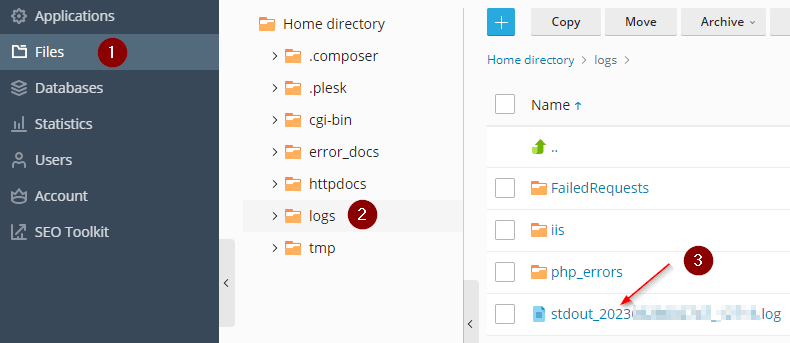
- To view the log file go to Files -> logs and click on the stdout_*****.log file which will open in Plesk File manger for viewing the results.
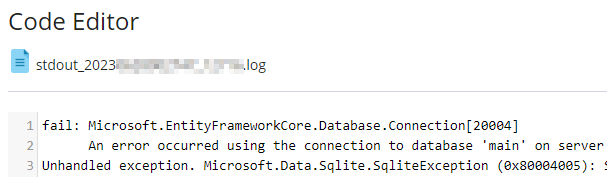
- Example below of the log file to assist in diagnosing the issue/error.