
Overview
Plesk allows you to protect directories on your website with a username and password. This is useful if you need to block a specific URL or the entire website, such as staging or development copies of your site.
Instructions
- Login to your Plesk server or Conetix Control Panel.
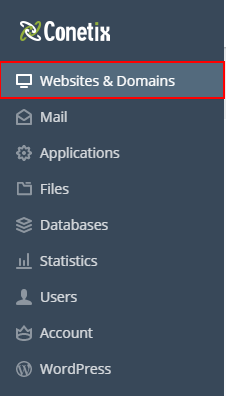
- Click Websites and Domains
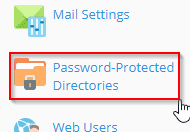
- Select Password-Protected Directories
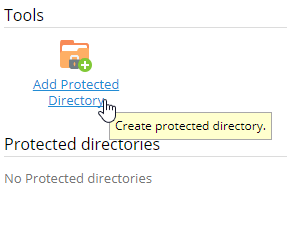
- Select Add Protected Directory
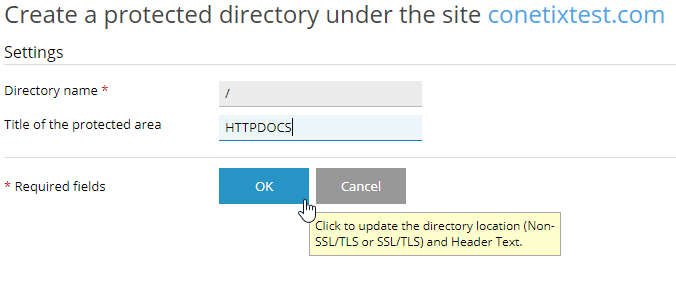
- Enter the directory name and if required name of the protected area.
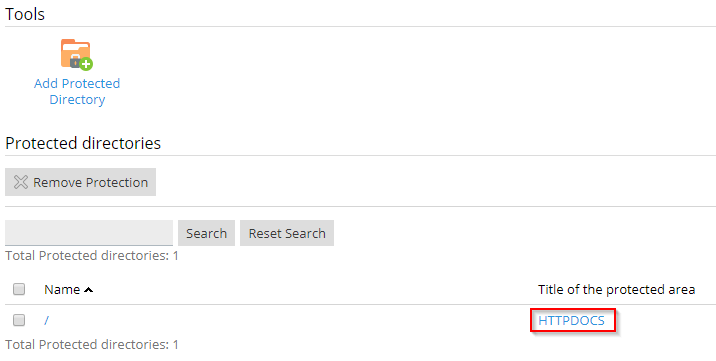
- Select the recently created protected directory
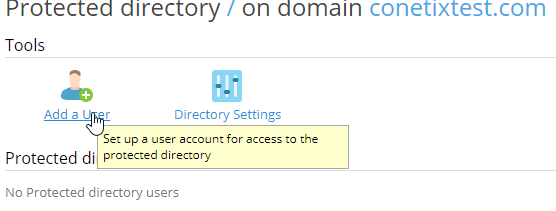
- Select Add a user
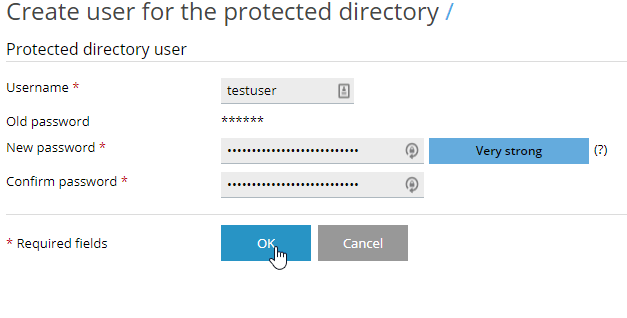
- Enter the username and password of your choice
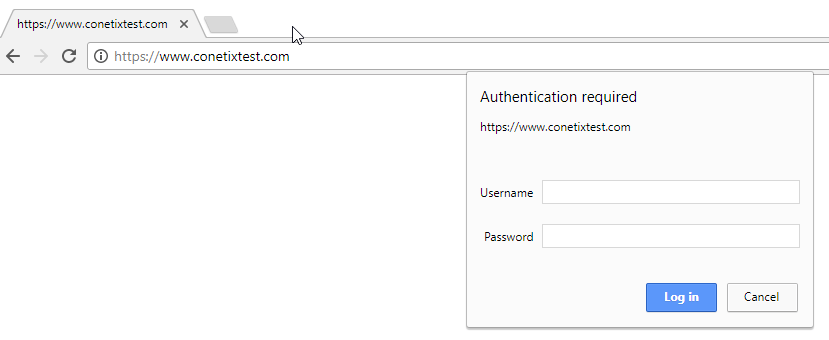
- The directory will now be protected
If you have any trouble with these steps, please contact our friendly support team.