
Overview
This article aims to guide you through installing and configuring WP Mail SMTP. This plugin is a drop in SMTP configuration plugin that can be used to send emails from your website via different methods.
Instructions
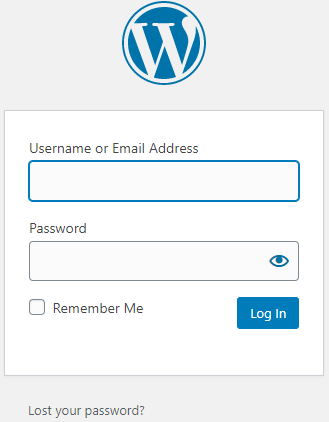
- Log into your WordPress website:
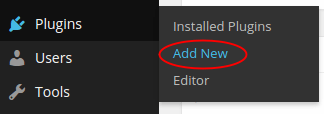
- Click Plugins then Add New:
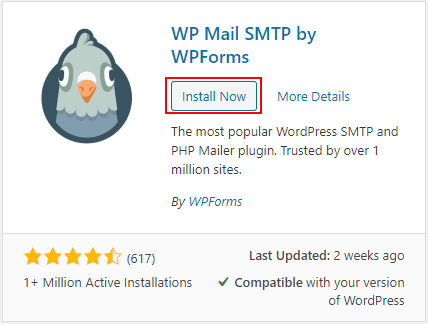
- Search for WP Mail SMTP then click Install Now:
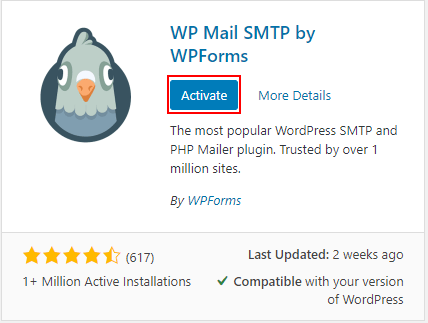
- Once installation is finished, click Activate:
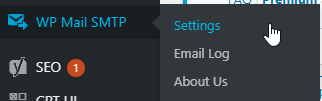
- Navigate to WP Mail SMTP > Settings:
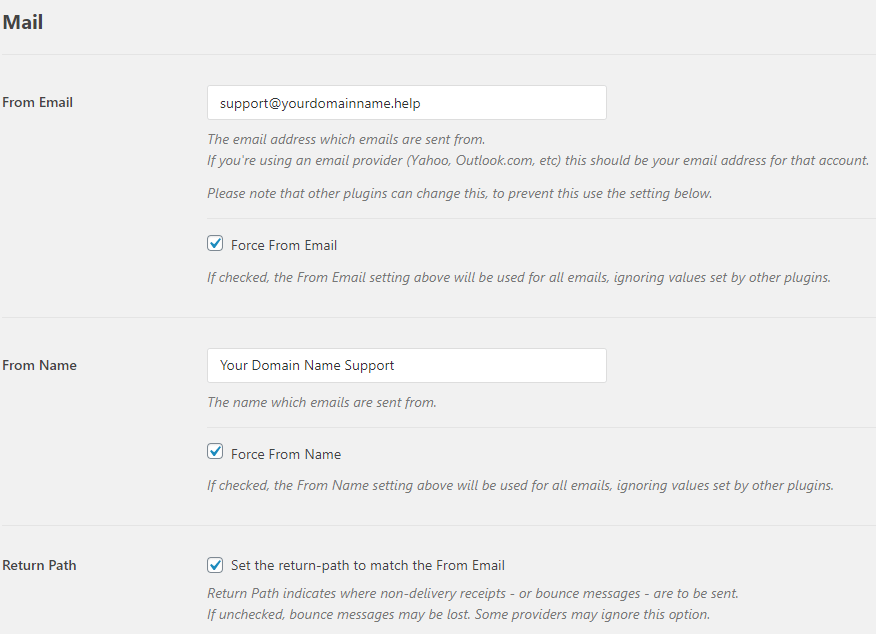
- Under Mail set your From Email and From Name. You can also Force these settings to override any other plugin:
7. Under the Mailer section choose option required.

8. Scroll down the page -> Save Settings:
9. Scroll to the top of the page and select Email Test:
If you encounter any errors please contact our friendly support team for assistance.
10. In the Send to field, enter an email address you can send a test message to and click Send Email: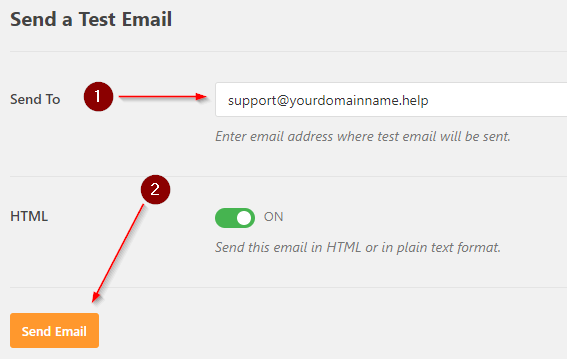
11. Check your inbox for the test message!