
Overview
Plesk includes an automatic update feature to keep your server up to date with the latest version. This option is enabled by default and as such we recommend using this guide to re-enable automatic updates.
Instructions
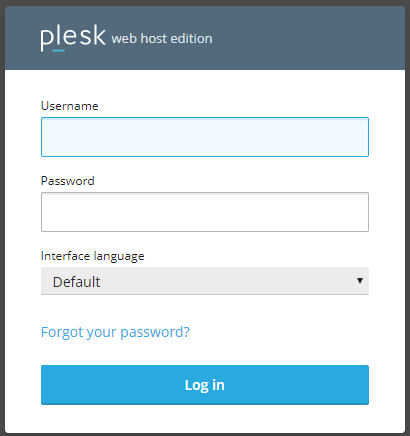
- Log into your Plesk server:
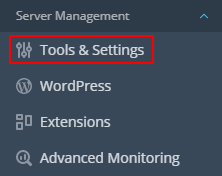
- Click Tools & Settings:
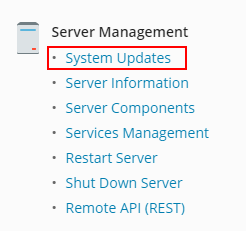
- Next click System Updates:
- In the new window, click Settings:

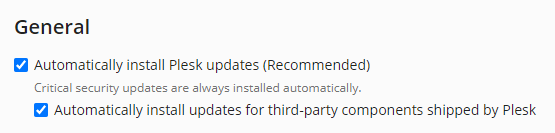
- Tick the boxes for Automatic Updates under the General header:
- To save, click OK:

Automatic updates are now enabled on your Plesk server.