
Overview
This article will step you through how to add plugins to WordPress using the WP Toolkit in Plesk
Instructions
- Login into Plesk via the Conetix Control Panel
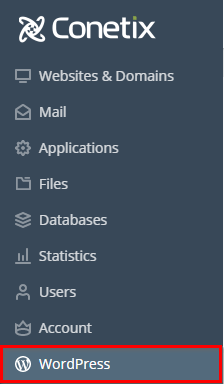
- Once in Plesk access the WP Toolkit by Clicking on WordPress on the left-hand side of the screen:
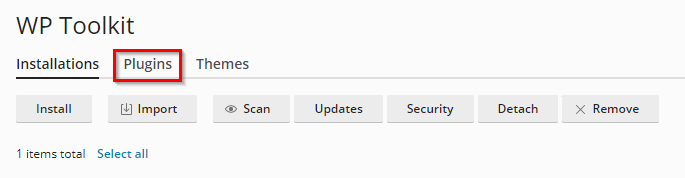
- In the WP Toolkit at the top there will be a number of options/actions you can do, Select Plugins:
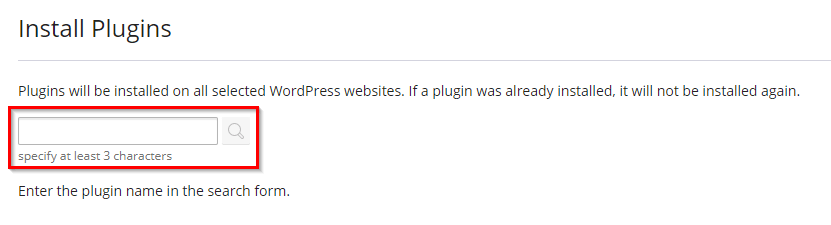
- Click Install.

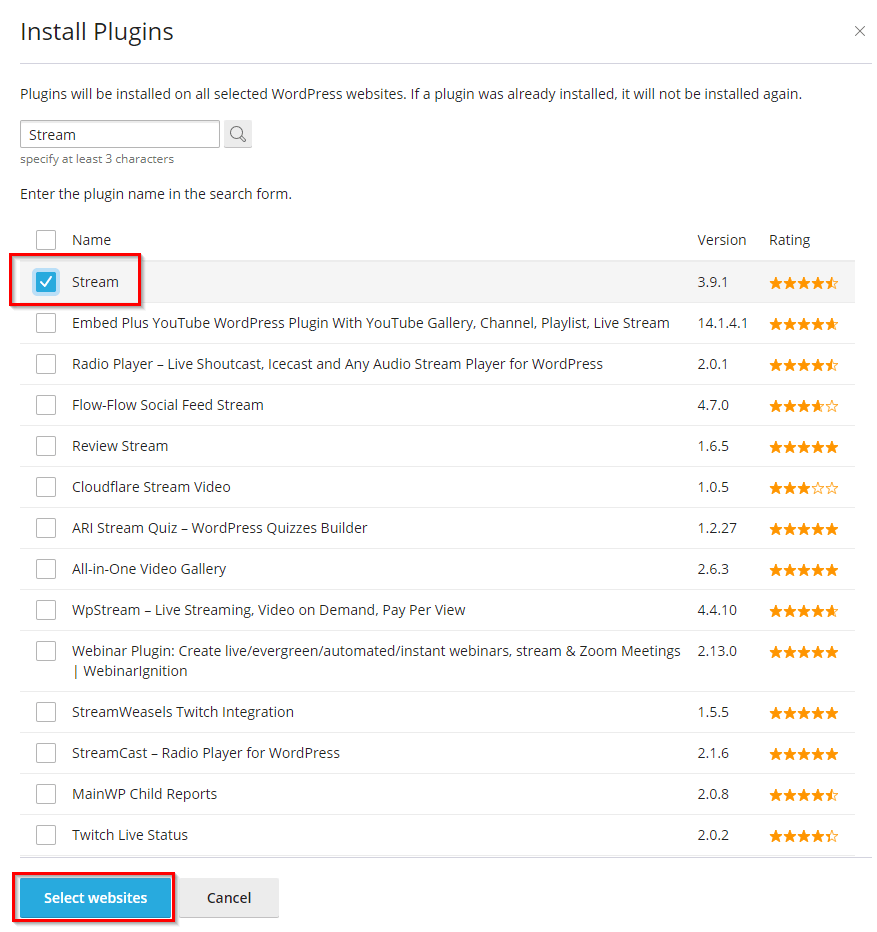
- You can now search for the plugin you want to install.
- Find the Plugin you want to install and click Select Websites.
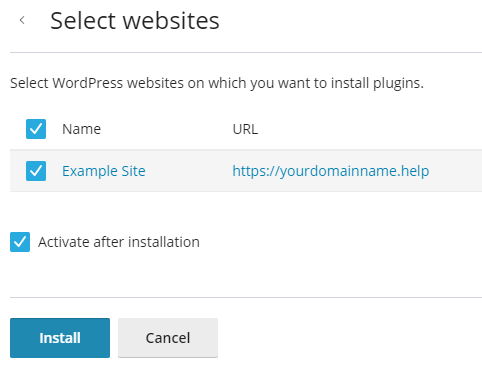
- Tick the website you want to install the plugin on, activate on install if desired, then click Install.
- The plugin will now be installed on the requested site. You will receive a notification when complete.
