
Overview
This support article describes how to create a backup of your WordPress site using WP Toolkit, usually performed before applying available WordPress Core, Theme and or Plugin updates.
Instructions
- Login into Plesk via the Conetix Control Panel:
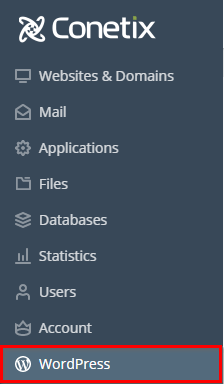
- Once in Plesk access the WP Toolkit by Clicking on WordPress on the left-hand side of the screen:
- Next click on the down arrow to manage your WordPress site.

- Next click on Back Up / Restore.

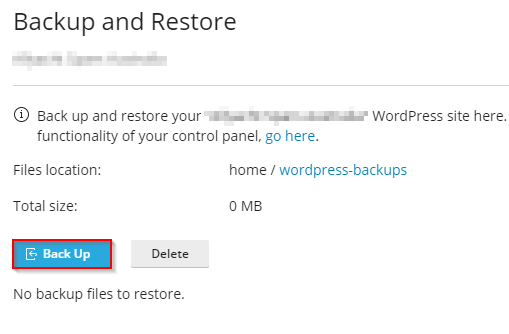
- Next click on Back Up.
Advice
Files location cannot be changed, the folder wordpress-backups is located outside the website root folder httpdocs for security.
- The size and time taken to create the backup will depend on how large the website is, should not take more than 5mins.
